
Can You Add an Explorer Key Yourself? Start With These Four Checks
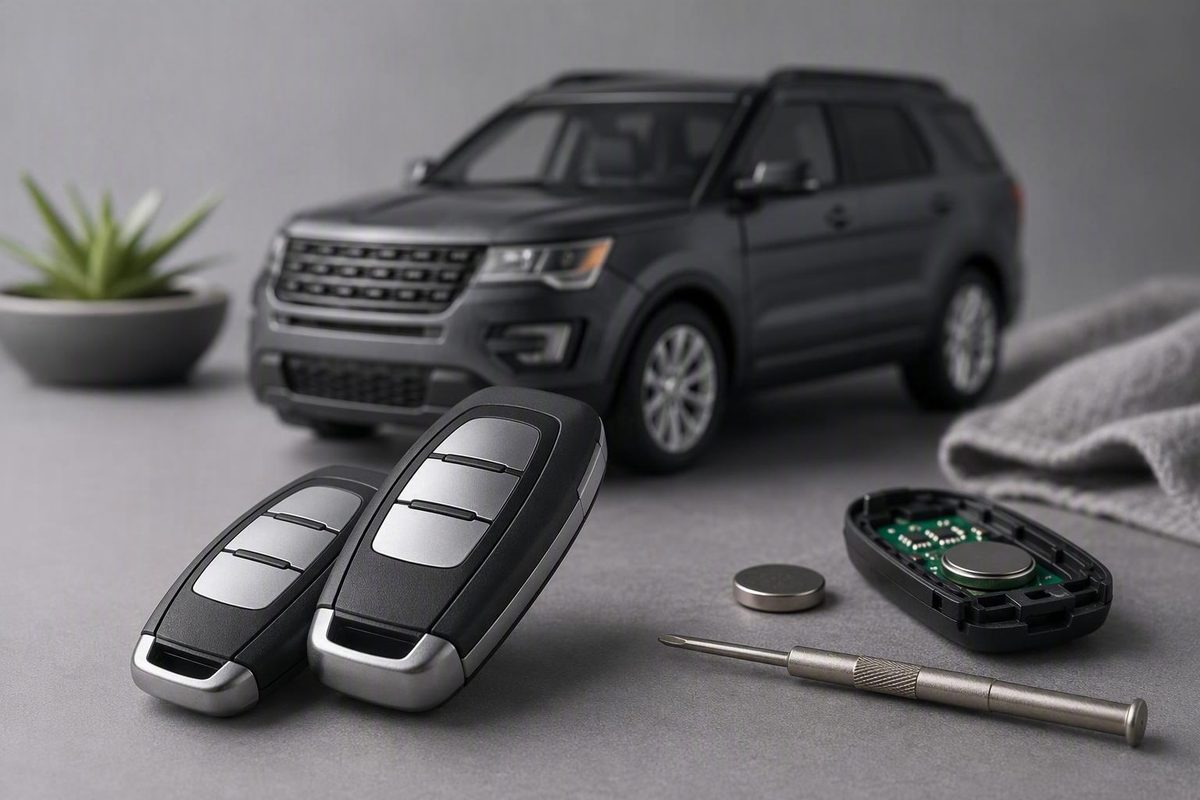
DIY start-key programming depends on two working programmed keys and the exact model-year manual; remote-button pairing is a separate task.
You may be able to program a spare Ford Explorer key yourself, but there is no universal Explorer sequence. First confirm the model year, keyed or push-button ignition, key type, and number of working programmed keys. Ford says owners with two previously programmed qualifying keys can use the vehicle-specific owner’s-manual procedure; with fewer than two, Ford directs owners to a dealer. Ford’s spare-key guidance explains this two-key requirement.
The quick answer: use this programming decision table
| Ignition type | Task | Working programmed keys | Safest next step |
|---|---|---|---|
| Keyed ignition | Add an Integrated Keyhead Transmitter | Two | Follow the spare-key procedure in the exact model-year manual |
| Push-button start | Add an Intelligent Access key | Two | Follow the Intelligent Access procedure in the exact model-year manual |
| Keyed or push-button | Add a start-authorizing key | One or zero | Use a Ford dealer, Ford’s published route; a qualified automotive locksmith is a nonofficial alternative to confirm for the exact system |
| Keyed ignition | Pair remote lock, unlock, or panic buttons only | Varies | Check whether the model-year manual provides a separate ignition-cycle procedure |
| Any type | Delete a missing or stolen key | Any number | Request deletion separately; adding a spare does not establish that the missing key was erased |
Before proceeding, define the job correctly:
- Adding a spare key creates another credential for the vehicle.
- Pairing remote buttons may enable lock, unlock, and panic functions.
- Programming a transponder or Intelligent Access credential authorizes the vehicle to start.
These are not interchangeable tasks. A procedure that makes the door locks respond may not program the credential needed to start the engine.
Identify the Explorer and key system before attempting anything
Start with the Explorer’s model year. Procedures can change between generations and may also differ according to the equipment installed on vehicles from the same year.
Next, identify the ignition system:
- Keyed ignition: A physical key turns through OFF, RUN, and START positions.
- Push-button start: The vehicle detects an Intelligent Access key and uses a Start/Stop button.
Then identify the key or transmitter:
- A remote-only transmitter operates door functions but may be separate from the start-authorizing key.
Count only previously programmed keys that currently start the Explorer.
Ford’s general guidance does not define whether a cloned key satisfies the two-key prerequisite. A third-party guide for the 2014 Explorer expressly says cloned keys do not qualify for its transponder procedure, so do not count a clone without confirmation from the manual or a provider familiar with the exact vehicle. That year-specific restriction must not be assumed to apply identically to every Explorer.
Before buying a replacement, verify:
- Exact Explorer model year and applicable equipment.
- Keyed ignition or push-button start.
- Remote-only, Integrated Keyhead, or Intelligent Access design.
- Part number or FCC ID.
- Button layout and required functions.
- Blade type and whether cutting is required.
- Seller-stated compatibility with the exact vehicle.
Appearance alone is not enough.
Find the exact Ford Explorer owner’s-manual procedure
Use Ford’s general owner-manual library to select the Explorer’s year and model. Ford’s vehicle lookup also supports searching by VIN, which is preferable when equipment differences may matter.
Within the manual, search for the section matching the vehicle:
- “Programming a Spare Intelligent Access Key”
- “Programming a Spare Integrated Keyhead Transmitter”
If those headings do not appear exactly, search for “spare key,” “programmed key,” or “keys and remote controls.”
As a navigation example, the 2025 Explorer owner-manual portal offers an up-to-date HTML manual and the original-release PDF. The landing page itself does not contain or verify a 2025 key-programming sequence. Open the manual and find the section for the vehicle’s actual key system rather than inferring instructions from the portal.
When the applicable manual conflicts with a generic video, dealership page, remote seller, forum post, or procedure written for another year, use the model-year manual.
Keyed ignition: when the eight-cycle remote-pairing method may apply
A commonly published OFF-to-RUN method may work on compatible keyed-ignition Ford remote systems. It is not a universal Explorer procedure, and it does not establish that the immobilizer transponder has been programmed.
A Ford dealership’s remote-programming guide gives this sequence:
- Close all doors, then reopen the driver’s door.
- Press UNLOCK on the driver-door control.
- Turn the ignition from OFF to RUN eight times within 10 seconds, finishing in RUN.
- Wait for the door locks to cycle, indicating entry into programming mode.
- Within eight seconds, press any button on the remote being enrolled.
- Wait for another lock cycle confirming that remote.
- Press a button on each additional remote within the stated interval.
- Turn the ignition off to end the session.
This dealership-published method assumes an ignition cylinder that can be turned from OFF to RUN. It does not explain how to add a push-button-start Intelligent Access key. It may also pair remote buttons without enrolling the coded transponder needed to start the engine.
A third-party 2014 Explorer guide also describes an eight-cycle remote procedure, but warns that the session resets remote pairings and may require every working remote to be enrolled again. It presents more than one possible keyed-ignition remote procedure, further demonstrating why the applicable manual should determine which one to use.
If the locks do not cycle, stop. Recheck the model year, verify that the vehicle has keyed ignition and remote keyless entry, and review the correct manual. Do not work through unrelated sequences hoping that one happens to succeed.
Transponder and push-button smart keys: the two-key rule
For a key that must authorize starting, the owner-programming route depends on having two previously programmed qualifying keys and following the vehicle-specific procedure. A generic smart-key sequence should not be transferred from one Explorer year to another.
The 2014 Explorer is a useful bounded example. A third-party 2014 Explorer programming guide treats these as three separate jobs:
- Remote-button pairing for a keyed-ignition vehicle.
- Enrollment of a transponder key.
- Enrollment of a push-button smart key.
For that 2014-only example, the guide says adding a transponder key requires two original programmed keys and a new key that has already been cut. Its push-button procedure requires two programmed smart keys and places the new key in the center-console pocket.
Those details come from a remote retailer, not Ford’s model-year manual. They do not establish the location of a backup pocket or the correct sequence on a later Explorer.
In an Explorer ST owner discussion, owners reported adding third fobs to some 2020–2022 Explorers when two programmed fobs were available, using a center-console backup slot. These reports are anecdotal, span multiple model years, and are not Ford-verified instructions.
If you have only one key—or no working keys
If you cannot produce two previously programmed qualifying keys, Ford directs you to visit a Ford dealer. A qualified automotive locksmith may be worth contacting, but that alternative comes from the cited third-party and owner-community sources rather than Ford’s published route. Ask whether the provider supports the exact Explorer year, ignition type, and key system.
For dealer key service, Ford says to bring:
- Government-issued photo identification, such as a driver’s license, state-issued photo ID, or passport.
- Documentation showing both the VIN and the requester’s name, such as current registration, insurance, title, or a bill of sale.
These requirements appear in Ford’s official spare-key service guidance. Call ahead if the vehicle belongs to a business or the ownership documents use a different name.
Before authorizing the work, ask whether the job includes:
- Cutting the main or emergency blade.
- Programming the start-authorizing credential.
- Pairing the remote buttons and passive-entry functions.
- Testing the liftgate and remote start, when equipped.
- Deleting a missing or stolen key as a separate security task.
Do not assume that adding a replacement automatically removes an old credential from the vehicle.
Test every function and diagnose partial programming
It does not mean that all those functions were necessarily enrolled by one programming procedure.
Check:
- Engine start.
- Lock and unlock buttons.
- Panic button.
- Passive entry at each supported door.
- Liftgate release.
- Remote start, when equipped.
- Emergency blade operation, if applicable.
A lock cycle, chime, dashboard message, or successful engine start may confirm one stage of a particular procedure. No single indicator proves that every supported function works.
| Symptom | Likely meaning | Next check |
|---|---|---|
| No lock cycle | Programming mode was not confirmed | Recheck the manual, ignition type, timing, and procedure |
| Engine starts but buttons fail | Start authorization succeeded, but remote functionality or compatibility may be incomplete | Verify application, part number, FCC ID, and button layout |
| Buttons work but engine will not start | Remote pairing may have succeeded without start authorization | Use the manual’s coded-key procedure or arrange service |
| Some functions are intermittent | Compatibility, fob condition, or enrollment may be incomplete | Test every expected function and compare with a known-good key |
In the Explorer owner discussion, one 2021 Hybrid owner reported that an aftermarket fob started and unlocked the vehicle while some remote buttons remained inconsistent. That anecdote is a useful warning: partial success does not prove full compatibility.
Recheck the exact replacement application and model-year manual before deciding that the fob or vehicle is defective. If a key is missing or stolen, also confirm separately whether its credential has been deleted.
The practical sequence is straightforward: identify the model year and ignition type, determine the key type, count the working programmed keys, and open the exact Ford manual. Use only the procedure listed for that system. With fewer than two programmed qualifying keys, prepare the required identification and ownership documents and arrange professional service instead of trying a generic sequence.