
GM Digital Key Can Replace Daily Fob Use—Not the Fob Entirely
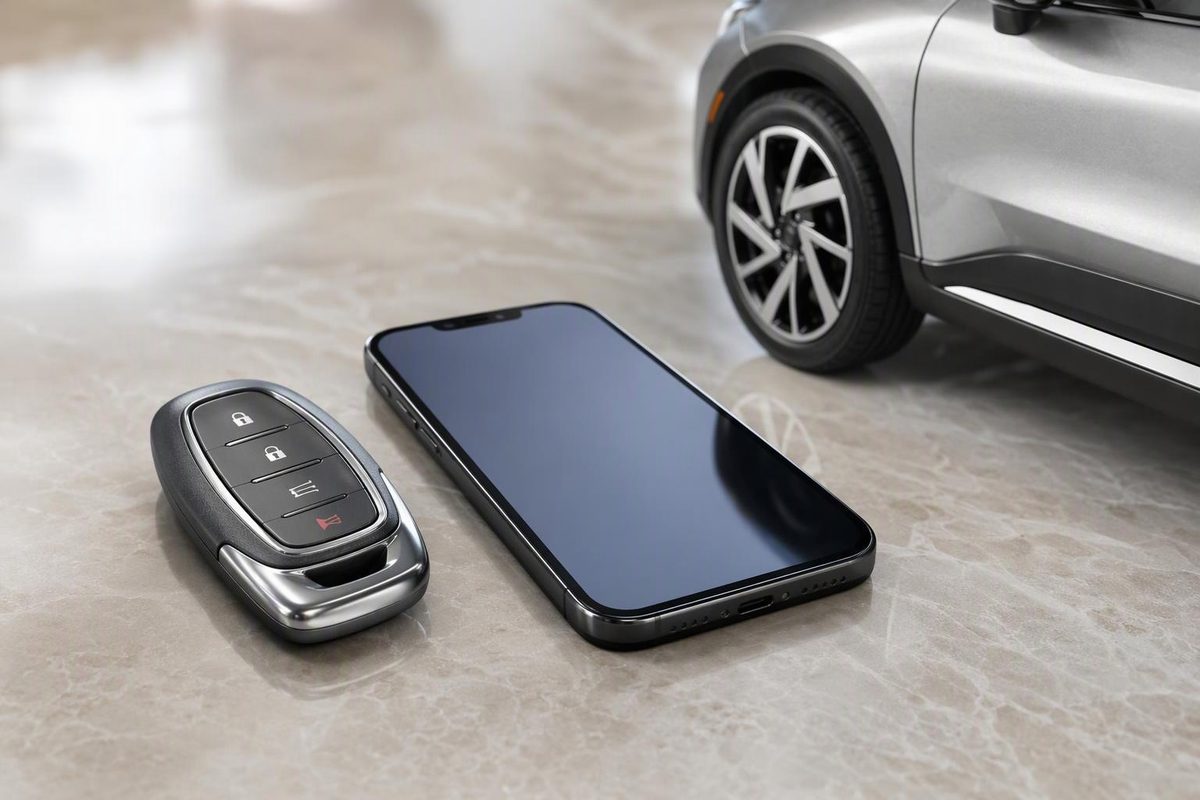
GM Digital Key can unlock, start and drive eligible vehicles without a fob. Check compatibility, setup requirements and the backup you still need.
For everyday driving, yes—on an eligible vehicle with a compatible, paired device. Completely, no. GM Digital Key lets you unlock, start and drive without carrying the physical fob, but GM still requires the fob for certain situations, including vehicle service visits. Even Digital Key plus a backup key card does not eliminate the fob entirely, according to OnStar’s guidance.
Keep your working fob. Digital Key is an additional way to use the vehicle, not a reason to discard its original keys.
First, check whether your vehicle actually has it
As of October 25, 2026, GM’s announced rollout is limited—not a feature available across every Chevrolet, Cadillac, GMC or Buick.
| Announced rollout window | Eligible models and model years |
|---|---|
| September–October 2026 | Cadillac LYRIQ: 2025–2027; OPTIQ: 2026–2027; VISTIQ: 2027 |
| December 2026—still upcoming | Chevrolet Tahoe and Suburban: 2026–2027; GMC Yukon and Yukon XL: 2026–2027 |
| December 2026—still upcoming | Cadillac Escalade, Escalade IQ, Escalade IQL and CELESTIQ: 2027 |
GM says owners will receive a notification in the “What’s New” section of their vehicle’s mobile app when Digital Key becomes available. Being on the model list is not the same as having it activated on your vehicle. See GM’s dated rollout announcement.
Outside the U.S. and Canada, check local availability first: Cadillac warns that setup may show a “Region isn’t supported” error.
Your device must also qualify. GM’s system uses ultra-wideband (UWB) and Bluetooth, so having Apple Wallet, Google Wallet or Samsung Wallet installed is not enough. For example, OnStar excludes iPhone SE, XR and 16e from its compatibility list. Check your exact device model, not just its brand or generation, against OnStar’s compatibility guidance.
Digital Key is not ordinary app remote start
The distinction matters if you are trying to leave the fob at home:
- Vehicle-app remote commands can perform supported functions such as locking, unlocking or remote starting. They do not, by themselves, let you drive without the fob.
- A paired Digital Key in your device’s wallet can authorize driving without the fob. Its wallet remote commands operate within Bluetooth range.
OnStar explicitly explains this difference between Digital Key and app commands. A successful remote start from the app is therefore not proof that your phone can replace the fob for driving.
Set it up and test before relying on it
GM’s setup starts in the vehicle’s mobile app, inside an OnStar-connected vehicle with the physical fob nearby. Follow the prompts to add the key to your supported wallet. OnStar says an active account is required, but no paid OnStar plan is needed for Digital Key.
For the Cadillac models currently in the rollout, setup instructions specify that Bluetooth must be on, the phone and fob must be inside, and the vehicle must be on and in Park with the doors closed. After pairing, Cadillac recommends testing Digital Key without the fob.
Before leaving the fob behind:
- Confirm the digital key appears in your wallet.
- Keep the fob available as a backup, but outside the vehicle and away from its detection range during the test.
- Test phone-only unlocking, starting and locking—not just a wallet button.
- Confirm how passive locking behaves with your vehicle’s settings.
Stop if starting fails. Unlocking alone does not establish that your phone can authorize driving. Use the fob until the problem is resolved.
What you still need the fob or backup for
Service visits: OnStar says to bring the physical fob so technicians can properly access the vehicle.
A lost or unusable phone: A key card, if supplied and supported by your vehicle, can provide backup access and starting. Reader locations vary by model; use the card’s instructions and your owner’s manual. Do not assume every GM vehicle has this backup.
Some convenience functions: Presence-based AutoSense liftgate operation currently does not work with Digital Key, although supported kick-sensor hands-free liftgates can work. These limitations are detailed in OnStar’s Digital Key guidance.
A depleted phone battery: Apple says power reserve can allow car-key use on certain iPhones that need charging, but this depends on the iPhone model. It is not a universal dead-phone guarantee. Apple also notes that key functions depend on the vehicle in its Wallet car-key support instructions.
For daily use, a tested Digital Key can let you leave the fob at home. Keep the fob accessible and carry a supported backup card separately from your phone—not locked inside the vehicle. Always take at least one working key device with you when exiting: OnStar warns that the vehicle can lock with another key device still inside.