
How to Program a Honda Odyssey Key Fob by Key Type
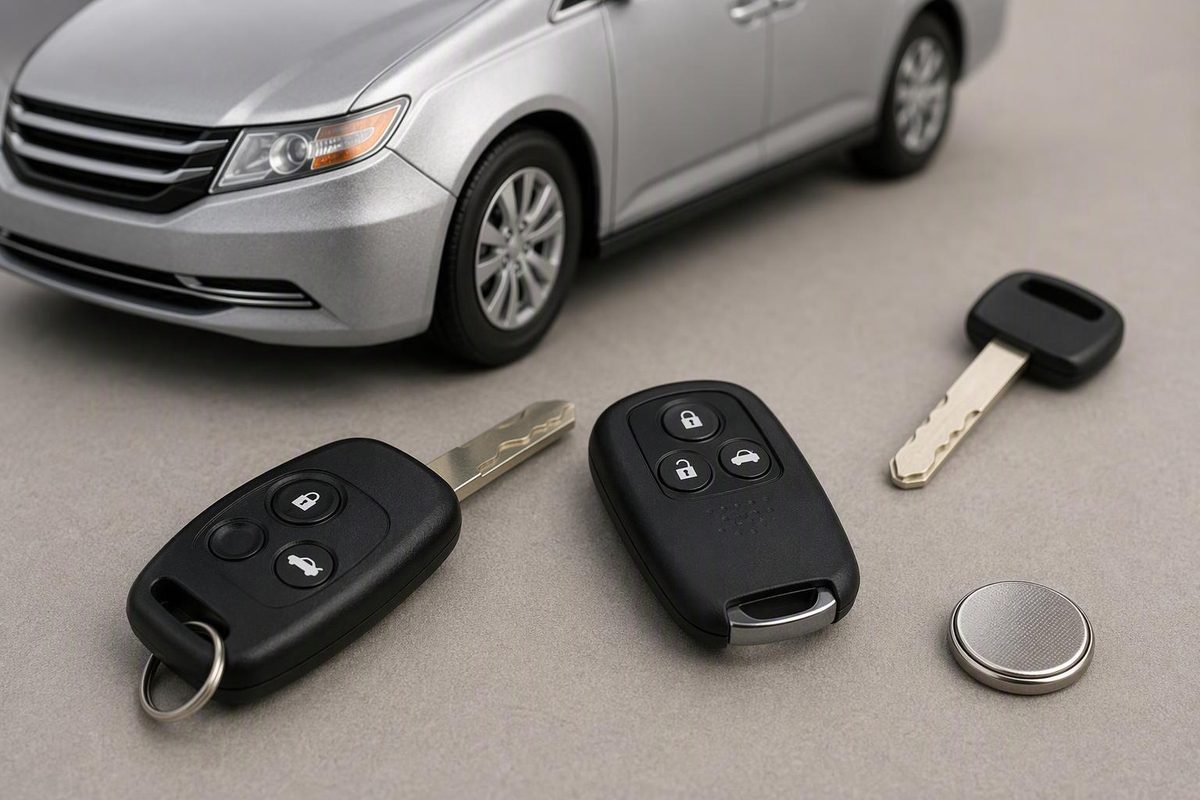
Follow Honda’s procedure for documented older Odyssey remotes, separate remote pairing from start-key programming, and check smart-fob options.
Some Honda Odyssey remote buttons can be programmed with a timed ignition-and-button sequence. That sequence does not program the immobilizer chip that authorizes engine starting, and it does not register a push-button-start smart fob. Identify the model year, ignition type and replacement remote before choosing a procedure.
This guide focuses on U.S.-market Odysseys. Do not transfer the instructions to another market’s Odyssey or an aftermarket alarm system.
1. Identify the job before programming
Record your Odyssey’s year and trim, whether you turn a key or press an ENGINE START/STOP button, and the old remote’s FCC ID and part number. Ask the supplier or programmer to confirm the replacement against your vehicle—not just its shape and button count.
Compatibility matters even within an older generation: Honda’s service bulletin says the 1999–2000 EX remote and 2001–2004 EX remote are not interchangeable. Their FCC IDs are E4EG8DN and OUCG8D-440H-A respectively. Honda service bulletin 98-011, hosted by Honda Accord Forum
Choose the appropriate route:
| Your situation | Next step |
|---|---|
| Compatible 1999–2004 EX remote, or the documented Honda dealer-installed keyless-entry/security system on a 1999–2004 LX | Use Honda’s timed remote-button procedure below. |
| Compatible conventional remote on a 2005–2010 Odyssey | A remote supplier documents an ignition-and-button procedure. Use its exact instructions rather than assuming the older timing limits apply. |
| 2011 Odyssey with a conventional keyed ignition | Supplier instructions separate remote-button pairing from transponder-key programming. |
| Another model year, an earlier Odyssey, or an aftermarket system | Obtain instructions for that exact system before trying a sequence. |
| Push-button-start smart fob | Arrange compatible programming equipment, normally through a Honda dealer or automotive locksmith. Do not use the ignition-cycle sequence. |
The older-system coverage comes from Honda’s bulletin. Later conventional-remote procedures are documented by Car and Truck Remotes for 1999–2010 and Keyless2Go for 2011. These are supplier instructions; Honda’s 2005 owner’s manual, page 135 directs owners to a dealer for replacement-transmitter reprogramming. For a newer smart-key example, ProgramYourRemote’s 2024 Odyssey instructions specify specialized equipment.
2. Program a documented 1999–2004 remote
This sequence is for the 1999–2004 EX systems and Honda dealer-installed 1999–2004 LX systems listed above.
Gather every remote you want to keep using before starting. Honda says these systems erase learned remote codes when programming mode is entered and accept up to three transmitters. This concerns remote-button memory, not the immobilizer’s starting-key registration. Honda bulletin
Use a working ignition key. Park safely in Park, apply the parking brake, close all doors and the tailgate, and leave the doors unlocked. Read the entire sequence first.
- Insert the ignition key. Turn it to ON (II), without cranking the engine.
- Press LOCK on one compatible remote.
- Turn the ignition to LOCK (0).
- Repeat steps 1–3 two more times, using the same remote. You have now completed three ON–LOCK-button–OFF cycles.
- Turn the ignition to ON (II) a fourth time and press LOCK on that same remote. The power door locks should cycle, confirming programming mode. Leave the ignition ON.
- Within ten seconds, press LOCK again on that remote, then press LOCK on each additional remote you want to retain. Listen for a door-lock cycle after each remote to confirm acceptance.
- Turn the ignition to LOCK (0) and remove the key.
- Test every remote outside the vehicle with all doors closed. Keep the key with you, and keep people clear of powered doors and the tailgate when testing those buttons.
Timing: during the ignition-and-button sequence, complete each action within four seconds of the previous action. Once programming mode begins, register the remotes within ten seconds. These are the limits in Honda’s procedure for the listed systems.
Stop if the locks do not cycle. Turn the ignition off, check compatibility, battery condition and timing, then retry carefully. Repeatedly cycling the ignition cannot make an incompatible remote work. If programming mode was entered, check the old remotes too—they may need to be included again.
3. If it unlocks but will not start
Successful remote pairing does not prove that a replacement key is ready to drive. A conventional replacement may still need its blade cut and transponder registered. The 1999–2010 supplier instructions explicitly separate those jobs.
On the 2005 Odyssey, Honda says a blinking immobilizer indicator means the key’s coding is not recognized. Remove other immobilizer keys or metal objects from near the ignition, then turn to LOCK (0), remove and reinsert the key, and turn to ON (II) again. If recognition repeatedly fails, contact a dealer rather than repeating remote pairing. 2005 Odyssey owner’s manual, pages 128–129
For a smart fob or an all-keys-lost job, ask a Honda dealer or automotive locksmith for a complete quote covering:
- The correct fob and electronic registration.
- Cutting the conventional blade or emergency key.
- Whether your customer-supplied fob is accepted.
- Removing a missing key’s electronic authorization, if needed.
- Testing remote buttons and engine starting before handover.
Equipment-assisted DIY is a separate option—not a free button reset. For example, Tom’s Key lists a 2011 Odyssey programming kit, but requires at least one working key. Confirm exact kit coverage and key-cutting arrangements before buying.
If the existing fob only stopped working after a battery change
Check the cell code, polarity, seating and contacts before paying for programming. Honda’s 2025 Odyssey battery-replacement instructions do not include a programming step. Use our Odyssey key-fob battery guide to identify the design. 2025 Odyssey owner’s manual, “Replacing the Remote Battery”
A weak smart-fob battery also has a backup starting procedure. On the 2025 Odyssey, with the van safely parked in Park and the parking brake applied:
- Press ENGINE START/STOP.
- While the button flashes, touch its center with the fob’s H-logo side, with the fob buttons facing you.
- Depress the brake and press ENGINE START/STOP while the button remains illuminated.
The built-in key provides mechanical door access. Neither action programs a new fob. Follow your own year’s manual for the exact procedure. 2025 Odyssey owner’s manual, “Built-in Key” and “If the Remote Battery is Weak”