
Replace A Sorento Key Battery With The Right Cell
Follow the documented Sorento smart-key battery procedure, confirm the cell code and orientation, and check the common causes of a fob that still will not work.
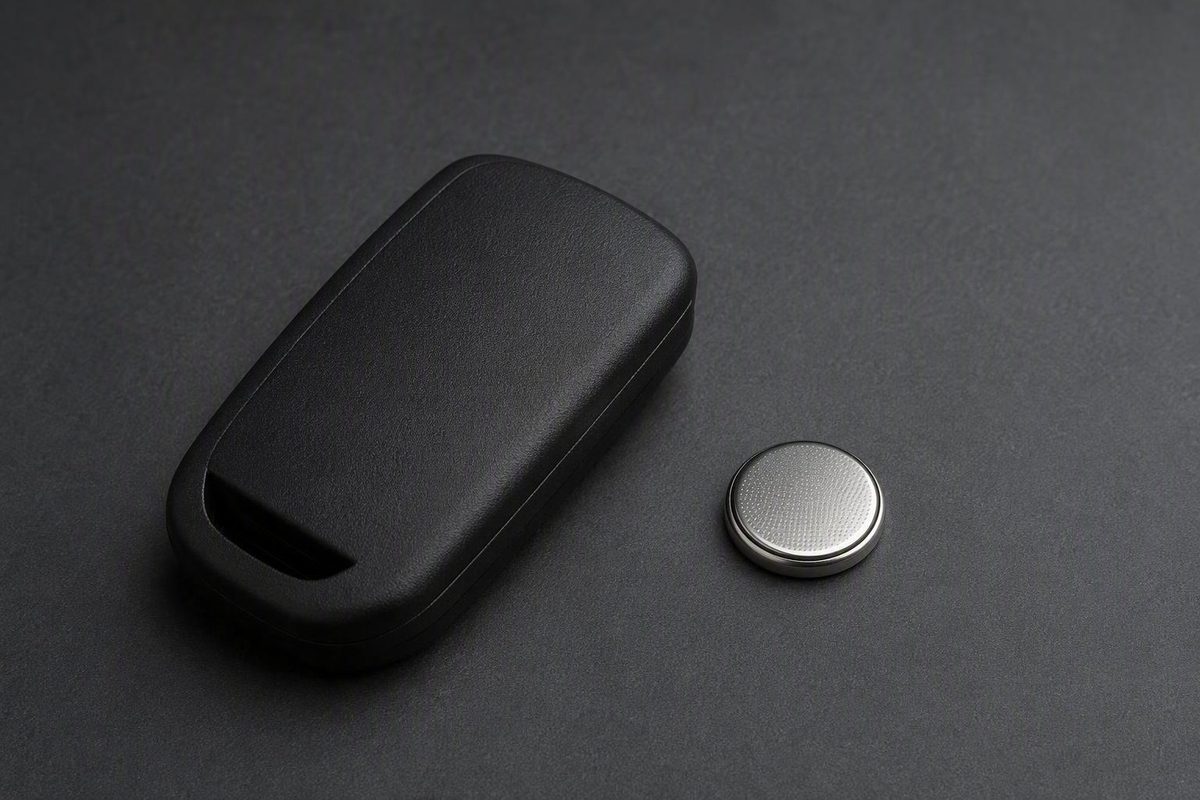
The 2021 Sorento owner’s manual specifies a CR2032 battery for its documented remote/smart-key procedure. Remove the mechanical key, open the cover, replace the cell in the correct orientation and reassemble the case. Match the key shown in your own vehicle’s manual before using the steps.
The 2021 Sorento manual’s battery-replacement page is a useful specific reference. It does not establish that every Sorento ever sold, or every aftermarket replacement remote, uses an identical housing.
Confirm What Is Inside Your Key
| Check | What you need to establish |
|---|---|
| Vehicle and key | The manual and illustration match your model and remote |
| Battery code | The full designation on the installed cell matches the applicable specification |
| Orientation | You know which face is visible before lifting the cell out |
| Opening point | You can identify the intended cover slot rather than an arbitrary seam |
Take a photograph before removing the battery. If the existing cell fits poorly or appears to be a substitute, verify the specification from the manual rather than copying an uncertain installation.
Generic Kia advice can cover several vehicles and fob designs. A battery specified for another Kia model is not automatically a Sorento specification. In particular, do not substitute a different cell simply because an online guide lists it as another possibility.
Replace The Battery In The Documented Smart Key
For the key illustrated in the 2021 manual:
- Remove the mechanical key. Release it from the smart-key housing.
- Open the cover. Use the intended opening point and gentle pressure. Stop if the case does not match the illustrated construction.
- Record the old battery. Photograph its designation and orientation before taking it out.
- Install the replacement. Fit the specified CR2032 in the correct position, following the manual’s diagram and compartment markings.
- Reassemble the key. Replace the cover and mechanical key in reverse order.
- Test it. Check lock and unlock close to the vehicle, then the other functions your key supports.
Kia’s manual identifies moisture and static electricity as potential causes of key malfunction and directs owners to a dealer if they are unsure about replacement. Avoid probing or disturbing the electronics while opening the battery compartment.
For A Flip Key Or A Different Housing
A standard or flip-style remote may open at a different slot from the smart key. South Dade Kia’s general key-fob guide illustrates that distinction, but it is general Kia guidance rather than a complete Sorento fitment list.
If your key differs, use the exact owner’s manual or a guide showing the same housing and part number. Do not force the smart-key opening sequence onto another case. A replacement remote may also differ from the key originally supplied with the car.
If The Fob Still Does Not Work
Check the installation before assuming the remote needs replacement:
- The new battery has the correct full code.
- Its orientation matches the applicable diagram.
- It sits securely in the holder.
- No packaging or insulating tab remains in place.
- The cover closes evenly without force.
If possible, try another fresh cell of the same specification. Continued failure after a correct replacement calls for diagnosis of the key or vehicle, not repeated prying at the case.
Replacing a coin cell is separate from pairing a new key. Avoid universal “reset” instructions that do not identify the relevant Sorento generation and key type. For emergency unlocking or starting with a discharged fob, use the exact manual’s backup-entry and starting procedure; those details can differ between vehicles.