
Which GM Cars Support Digital Key? Check the Model Year
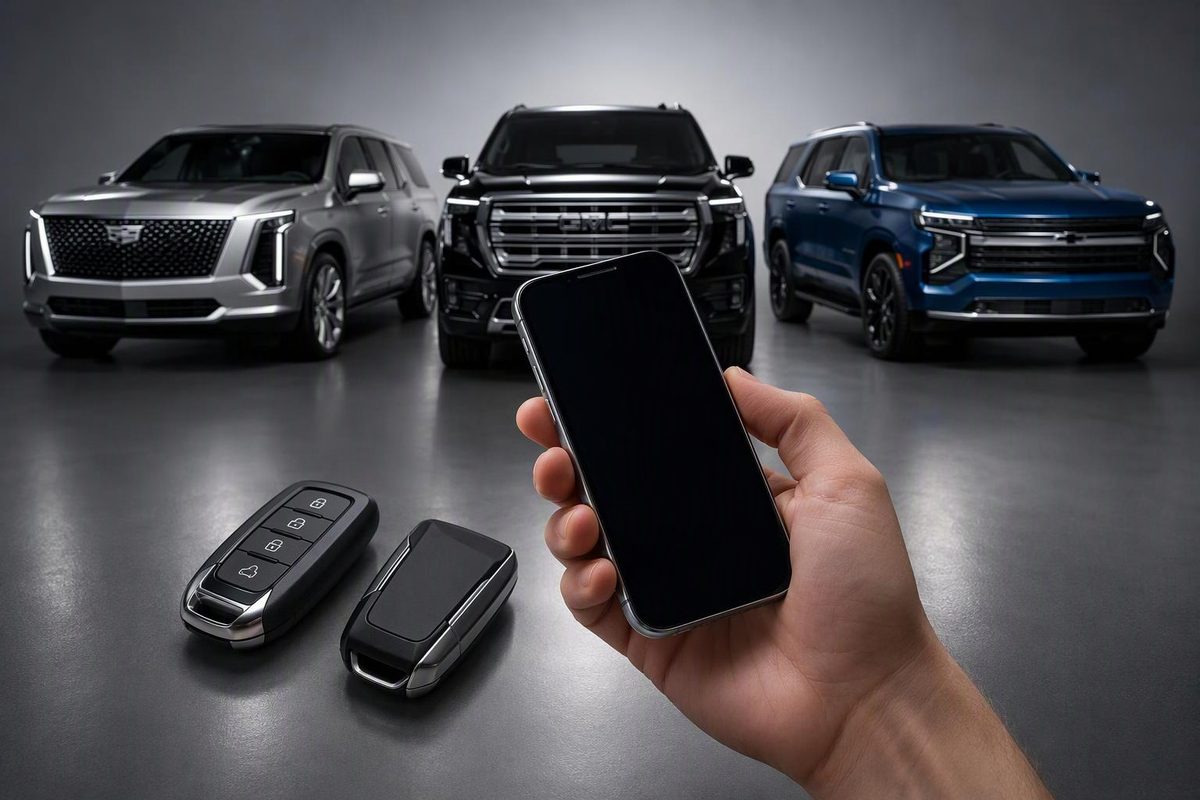
Check GM Digital Key model years, Cadillac’s first rollout and the planned December 2026 Chevrolet, GMC and Cadillac additions.
As of October 26, 2026, GM’s first Digital Key rollout covers the 2025–2027 Cadillac Lyriq, 2026–2027 Cadillac Optiq and 2027 Cadillac Vistiq. Selected Chevrolet, GMC and additional Cadillac models are scheduled to follow in December 2026. Those later additions remain planned, rather than available just because they appear on the announced list. GM says owners will receive a notification in the “What’s New” section of their vehicle’s mobile app when their vehicle is ready. (GM rollout announcement)
Here, Digital Key means a key stored in Apple Wallet, Google Wallet or Samsung Wallet that can authorize driving without the physical fob. It does not mean ordinary remote-lock or remote-start buttons in a GM mobile app.
GM Digital Key compatibility by model year
The following model years and rollout windows come from GM’s September 23, 2026 announcement. They are an eligibility list, not confirmation that every individual vehicle has been activated.
| GM vehicle | Eligible model years | Announced rollout window |
|---|---|---|
| Cadillac Lyriq | 2025–2027 | September–October 2026 |
| Cadillac Optiq | 2026–2027 | September–October 2026 |
| Cadillac Vistiq | 2027 | September–October 2026 |
| Cadillac Escalade | 2027 | December 2026—planned |
| Cadillac Escalade IQ | 2027 | December 2026—planned |
| Cadillac Escalade IQL | 2027 | December 2026—planned |
| Cadillac Celestiq | 2027 | December 2026—planned |
| Chevrolet Tahoe | 2026–2027 | December 2026—planned |
| Chevrolet Suburban | 2026–2027 | December 2026—planned |
| GMC Yukon | 2026–2027 | December 2026—planned |
| GMC Yukon XL | 2026–2027 | December 2026—planned |
The model year matters. A 2026 Vistiq or 2026 Escalade is not included in this announcement, even though its 2027 counterpart is. Buick, Silverado, Sierra, Equinox and Blazer are also not on this announced rollout list. GM says additional vehicles will follow over time, but that is not a confirmed date for an unlisted model. (GM)
Remote commands do not prove Digital Key support
Being able to unlock or remote-start your vehicle from the myCadillac app is not the same as using your phone as its driving key. OnStar explains that Digital Key’s Wallet controls work within Bluetooth range and, crucially, allow you to drive without the key fob—a function the app’s remote commands do not provide. (OnStar Digital Key guidance)
Likewise, do not use push-button start or a proximity-entry fob as evidence of Wallet-key compatibility. Check the exact vehicle and model year against the list, then confirm availability for your vehicle.
Check these before trying to pair your phone
- Confirm vehicle activation. Look for the “What’s New” notification in your brand’s mobile app. For a December-listed vehicle, treat support as planned until it is enabled. If compatibility remains unclear, ask the manufacturer or dealer to check your specific vehicle. (GM; Apple compatibility guidance)
- Check the exact device—not just the brand. GM’s system requires a compatible ultra-wideband device. Apple’s passive-entry requirements exclude the second- and third-generation iPhone SE and iPhone 16e; Pixel and Galaxy eligibility also varies by model. Use our GM Digital Key compatible-phone guide before buying or changing a phone. (GM; Apple)
- Have the existing fob and connected vehicle ready. GM instructs owners to sign into the vehicle app and follow its pairing prompts inside their OnStar-connected vehicle with the physical fob nearby. OnStar says an active account is required, but no paid plan is needed for Digital Key. (GM setup instructions; OnStar)
Keep your physical fob after pairing. OnStar specifically says to bring it to service visits. Digital Key is a daily-driving option, not a reason to discard every backup; see whether GM Digital Key replaces the key fob. (OnStar)