
Which Phones Work With GM Digital Key?
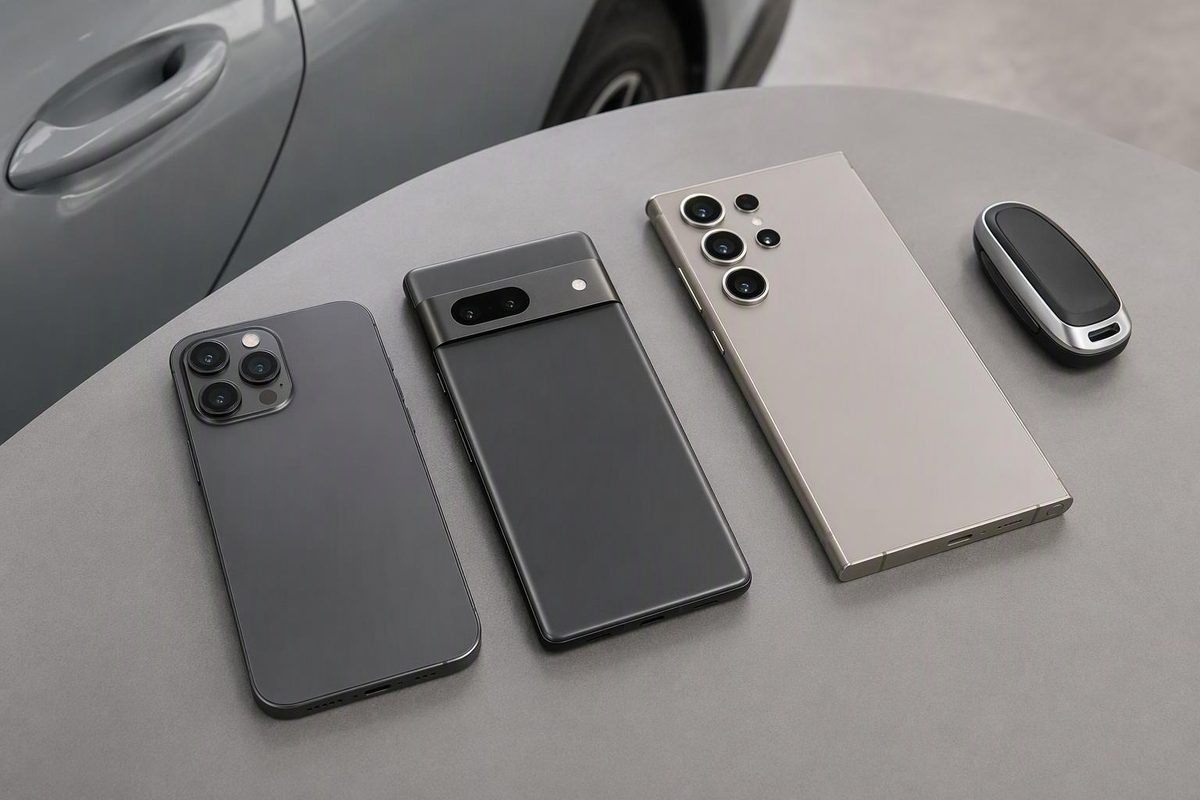
Check GM Digital Key phone compatibility, iPhone exclusions, supported Pixel and Galaxy models, vehicle rollout dates and setup requirements.
GM Digital Key requires a supported ultra-wideband (UWB) device—not simply a phone that runs your vehicle app or mobile wallet. Compatible options include UWB-equipped iPhones from the iPhone 11 generation onward, selected Pixel Pro and Fold models, and selected Galaxy Plus, Ultra and Fold models. Your vehicle must also be eligible and have the feature activated. GM’s announcement identifies both requirements.
The lists below reflect published compatibility information checked October 25, 2026, for the U.S./Canada rollout. Before buying a phone specifically for this feature, confirm the exact model and your vehicle’s availability with GM or OnStar.
Compatible phones by wallet
iPhone: Apple Wallet
GM lists iPhone 11 or newer with UWB. Cadillac’s support page excludes SE, XR and “e” devices. Compatible watches include Apple Watch Series 6 or newer and Apple Watch Ultra, first generation or newer. Cadillac’s device requirements
Do not confuse this with Apple Wallet’s broader car-key minimum. Apple lists iPhone XS or later and iPhone SE second generation for car keys generally, but sets stricter requirements for passive entry: iPhone 11 or later, excluding second- and third-generation SE and iPhone 16e. An iPhone XS being eligible for some Apple Wallet car keys does not make it eligible for GM’s UWB system. Apple’s car-key support guide
Google Pixel: Google Wallet
GM explicitly names these phones:
| Generation | Listed models |
|---|---|
| Pixel 6 | Pixel 6 Pro |
| Pixel 7 | Pixel 7 Pro |
| Original Fold | Pixel Fold |
| Pixel 8 | Pixel 8 Pro |
| Pixel 9 | Pixel 9 Pro, Pixel 9 Pro XL, Pixel 9 Pro Fold |
| Pixel 10 | Pixel 10 Pro, Pixel 10 Pro XL, Pixel 10 Pro Fold |
These are the models named in GM’s compatibility list. Do not read “Pixel 6 and later” as blanket GM approval: Google’s general Wallet guide covers multiple automakers and says vehicle and passive-entry compatibility vary.
Samsung Galaxy: Samsung Wallet
Samsung’s GM announcement lists UWB support on:
| Family | Listed models |
|---|---|
| Galaxy S21–S24 | Plus and Ultra versions of each generation |
| Galaxy S25 | S25+, S25 Ultra, S25 Edge |
| Galaxy S26 | S26+, S26 Ultra |
| Galaxy Note | Note20 Ultra |
| Galaxy Z Fold | Z Fold2, Fold3, Fold4, Fold5, Fold6, Fold7, Fold8 and Fold8 Ultra |
| Galaxy Z TriFold | Z TriFold |
Samsung’s October 6 GM announcement supplies this list. Samsung’s Cadillac-specific Canadian support section also lists Android 13 or higher and confirms the Plus/Ultra restrictions for the S21–S26 generations, with S25 Edge included. Use the latest available operating system and app updates before pairing, as Cadillac recommends.
The suffix matters: a base Galaxy S24 is not the S24+, and a Note20 is not the Note20 Ultra. Cadillac explicitly excludes Galaxy A and FE devices. Do not assume that Samsung Wallet payment support means GM Digital Key support. Cadillac’s compatibility guidance
Check the vehicle before attempting setup
A compatible phone cannot enable Digital Key on an unsupported vehicle. GM announced this phased schedule:
- September–October 2026: eligible 2025–2027 Cadillac LYRIQ, 2026–2027 OPTIQ and 2027 VISTIQ.
- Planned for December 2026: 2026–2027 Chevrolet Tahoe and Suburban; 2026–2027 GMC Yukon and Yukon XL; and 2027 Cadillac Escalade, Escalade IQ/IQL and CELESTIQ.
As of October 25, the December expansion is still forthcoming. GM says owners will receive a notice in “What’s New” in their vehicle mobile app when Digital Key becomes available. GM’s rollout schedule
Stop if your vehicle is outside the announced list or has no activation option after checking the app’s Keys menu. Ask OnStar or your dealer to confirm eligibility for your specific vehicle rather than repeatedly reinstalling the wallet.
Setup checks—and when to stop troubleshooting
GM’s initial pairing requires your vehicle mobile app, an OnStar-connected vehicle and the physical key fob nearby. For eligible Cadillacs, the documented sequence is:
- Update the myCadillac app and your phone’s operating system; turn Bluetooth on.
- Put the phone and working fob inside the vehicle. Keep the vehicle on, in Park, with doors closed.
- Select “Set up your vehicle” or “Add key to device wallet.” Alternatively, open vehicle information/settings, then Keys → Add key.
- Follow the prompts until the key appears in your wallet.
These are Cadillac’s setup instructions, not a universal programming procedure for older GM key fobs. Cadillac also directs owners to test locking, unlocking and starting without the fob. Keep the fob safely accessible outside the vehicle so it does not influence the test, and keep your phone with you when exiting.
If pairing fails, check internet connectivity, accepted OnStar terms, Bluetooth and fob detection. Cadillac recommends restarting the phone, vehicle and app before seeking OnStar assistance. A “Region isn’t supported” error may indicate use outside the U.S./Canada rollout. Cadillac’s troubleshooting guide
Keep a separate backup even after a successful test. Cadillac says a supplied key card may serve as backup where equipped, and requires the physical fob at service visits. Cadillac’s backup-key guidance explains those limits. See Apple Wallet car key versus a backup fob before going phone-only.