
The Two Clocks Behind a Key-Fob Programming Job
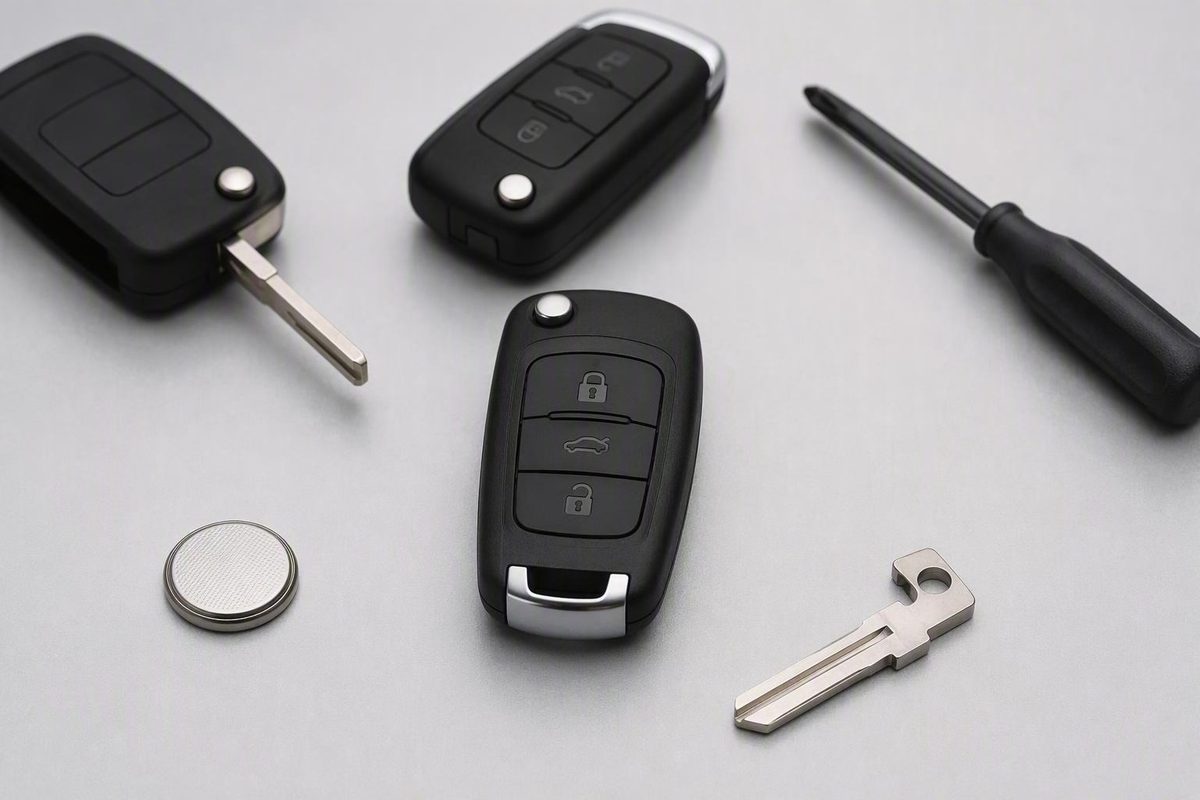
Allow 15–60 minutes for a routine visit; active work may take a few minutes to 30. Blade cutting, compatibility issues, or diagnosis can extend it.
Straightforward key-fob programming can take a few minutes to about 30 minutes of active work, according to commercial retailers and locksmiths. For a routine professional visit, reserve roughly 15 to 60 minutes. These are provider estimates—not manufacturer standards, independently measured averages, or guarantees. Cutting a blade, resolving compatibility problems, retrieving security information, diagnosing electrical faults, updating modules, or replacing all lost keys can make the total turnaround substantially longer.
Short answer: allow 15 to 60 minutes for a routine appointment
AutoZone says programming usually takes a few minutes, depending on the vehicle and method (AutoZone). Affordable Lock & Security Solutions estimates 10 to 30 minutes for standard professional programming, including connecting its tool, entering required codes, and testing the fob. Both are commercial estimates rather than universal labor standards.
For practical scheduling, allow 15 to 60 minutes for a routine professional appointment, based on a replacement-fob retailer’s general estimate. The actual time depends on the vehicle and service provider (Keyless Entry Remote).
The key distinction is that two clocks are running:
- Active programming time: The technician connects the required equipment, accesses the programming functions, enrolls the fob, and tests it.
- Total turnaround: The time from arrival to departure—or from vehicle drop-off to pickup.
A quoted programming time may not include check-in, technician availability, mobile travel, blade cutting, diagnostics, parts sourcing, or additional setup. Ask what the estimate covers, and if you are leaving the vehicle, request a separate expected pickup time.
Timing by scenario
Choose the situation closest to yours. Where a number appears, it is a commercial estimate rather than a manufacturer benchmark.
| Scenario | Published estimate | Likely added tasks | Right next step |
|---|---|---|---|
| Supported DIY procedure | About 5–15 minutes | Checking compatibility; repeating unsuccessful steps | Confirm eligibility in the owner’s manual |
| Routine professional pairing | About 10–30 minutes active; 15–60 minutes for an appointment | Tool setup, code entry, testing, possible blade cutting | Ask what the quote includes |
| Multiple-fob enrollment | No reliable general duration | Enrolling and testing each retained fob | Bring every fob you want to retain |
| Erase and relearn all credentials | No reliable general duration | Deleting missing credentials and re-enrolling retained keys | Request a separate estimate |
| All keys lost | No reliable general duration | Professional equipment; provider- or manufacturer-specific documentation; possible key creation or towing | Call an equipped locksmith or dealer first |
| Failed programming or module work | No reliable general duration | Diagnosis, electrical work, immobilizer work, or module updates | Ask for findings and a revised pickup time |
Keyless Entry Remote’s retailer guide estimates 5 to 15 minutes for a supported DIY procedure and under 30 minutes for professional programming (Keyless Entry Remote). Those ranges assume the vehicle supports the chosen method and the replacement part is compatible. Repeated or interrupted attempts can add time.
Multiple-fob and full-relearn jobs are less predictable. Each retained fob may need to be enrolled and tested, and some procedures can erase stored remotes that are not present. Deleting a missing credential and rebuilding the authorized-key list is also different from simply adding one spare.
An all-keys-lost case can require professional programming equipment and additional key-replacement work. Documentation and towing requirements vary. Ford, for example, says its owners who have lost every coded key must visit a dealer in person with identification and proof of ownership, and the vehicle may need to be towed. That is Ford-specific guidance, not a rule for every make.
Failed programming can also expand into diagnosis or module work. Reports from Corvette C7 owners range from minutes to several hours, and one vehicle reportedly remained at a dealership for multiple business days. These are unverified, model-specific forum anecdotes, not a general timing benchmark.
What the time estimate does—and does not—cover
Electronic programming synchronizes an authorized key or fob with the vehicle’s onboard system. A routine professional workflow can include connecting a programming tool, entering or accessing the required information, enrolling the fob, and testing its functions.
Programming is separate from several related tasks:
- Blade cutting physically shapes a metal key or emergency insert.
- Remote resynchronization restores communication in a supported situation but is not necessarily immobilizer programming.
- Fob replacement addresses damaged electronics, casing, buttons, or an internal chip.
- Vehicle-side diagnosis investigates an electrical, immobilizer, or control-module problem rather than simply enrolling a fob.
- Cloning is a distinct service method and should not be assumed to be the same as vehicle-based enrollment.
Tasks outside a quoted programming window may include check-in, mobile-technician travel, waiting for a technician or service bay, parts sourcing, blade cutting, code retrieval, deleting old credentials, software or module updates, troubleshooting, and final testing.
That creates three separate measurements:
- Billed labor
- Hands-on technician time
- Total vehicle downtime
They can overlap, but they are not interchangeable. A short pairing procedure can still produce a long shop stay if the technician encounters a fault or the vehicle must wait for parts, equipment, or an available bay.
DIY, locksmith, or dealership: a four-question decision path
Before choosing a route, establish four facts:
- What is the exact year, make, and model?
- Is it a remote-only fob, transponder key, or push-to-start smart key?
- How many working programmed keys remain?
- Have all coded keys been lost?
Some vehicles support owner programming, but eligibility and instructions are vehicle-specific. A remote-only fob may control locks without authorizing the engine to start. Do not apply a generic ignition-cycle or button sequence to an unverified vehicle.
Start with the owner’s manual or manufacturer support site. Ford, for example, tells eligible owners with the specified Intelligent Access or Smart keys to consult the manual’s Security section for spare-key programming. Ford also says the number of permitted spare keys varies by model and year. This is a bounded Ford example, not a universal procedure.
If no programmed key remains, or the vehicle is in an immobilizer lockout, stop repeating generic DIY attempts and contact an automotive locksmith with suitable equipment or the dealership. For Ford owners who have lost every coded key, the manufacturer says an in-person dealer visit, identification, proof of ownership, and possibly towing may be required. Other manufacturers and providers may use different processes.
Prepare before the appointment to prevent delays
Confirm compatibility before buying a replacement or booking service. Match:
- Year, make, and model
- Remote, transponder, or smart-key type
- Manufacturer part number
- FCC ID
- Radio frequency
- Transponder chip, where applicable
Bring the vehicle, replacement fob, every existing key or remote you want to retain, and a fresh fob battery. Some programming procedures erase stored remotes, so a remote left at home may stop working after the relearn.
For an all-keys-lost appointment, ask which identification and proof-of-ownership documents the provider requires. Confirming the requirements before arranging transportation can prevent a wasted visit.
When requesting a quote, ask whether the stated time includes:
- Cutting the physical blade
- Retrieving a PIN or security code
- Deleting missing or stolen credentials
- Enrolling multiple fobs
- Module or software updates
- Diagnosing an unsuccessful attempt
- Testing every supported function
- Mobile travel or call-out time
- The expected vehicle pickup time
An incorrect part number, FCC ID, frequency, chip, or key type can appear to be a programming failure. Confirm the replacement against the exact vehicle before the appointment.
Test the fob before leaving—and troubleshoot in the right order
Before accepting the completed job, paying the final bill, or driving away, test every function the fob and vehicle support:
- Lock and unlock
- Trunk, hatch, or liftgate release
- Panic button
- Passive entry at each applicable door
- Ignition-key operation or push-button start
- Remote start
- Every retained key and remote
If pairing fails, start with inexpensive, reversible checks. Make sure the fob battery is fresh and installed correctly, then verify the replacement part’s compatibility. Incomplete programming, an incompatible part, a weak battery, or an interrupted procedure are possible causes—not proof that the fob or vehicle is defective.
Other vehicle-specific possibilities include the wrong key type, frequency, chip, or part number; repeated failed or mistimed attempts; a weak vehicle battery; an electrical fault; an immobilizer problem; or a module that requires diagnosis or updating.
Inspect the fob itself. A cracked case, liquid damage, damaged circuit board, or broken internal component may require replacement before programming can succeed.
For unresolved problems, consult the exact vehicle manual or manufacturer support page. If owners cannot perform the required procedure—or the vehicle recognizes no programmed key—contact an equipped automotive locksmith or dealership. Ask separately for hands-on programming time and expected pickup time, especially when diagnosis or additional work may be needed.