
Find the Right Programming Path for Your Push-Start Fob
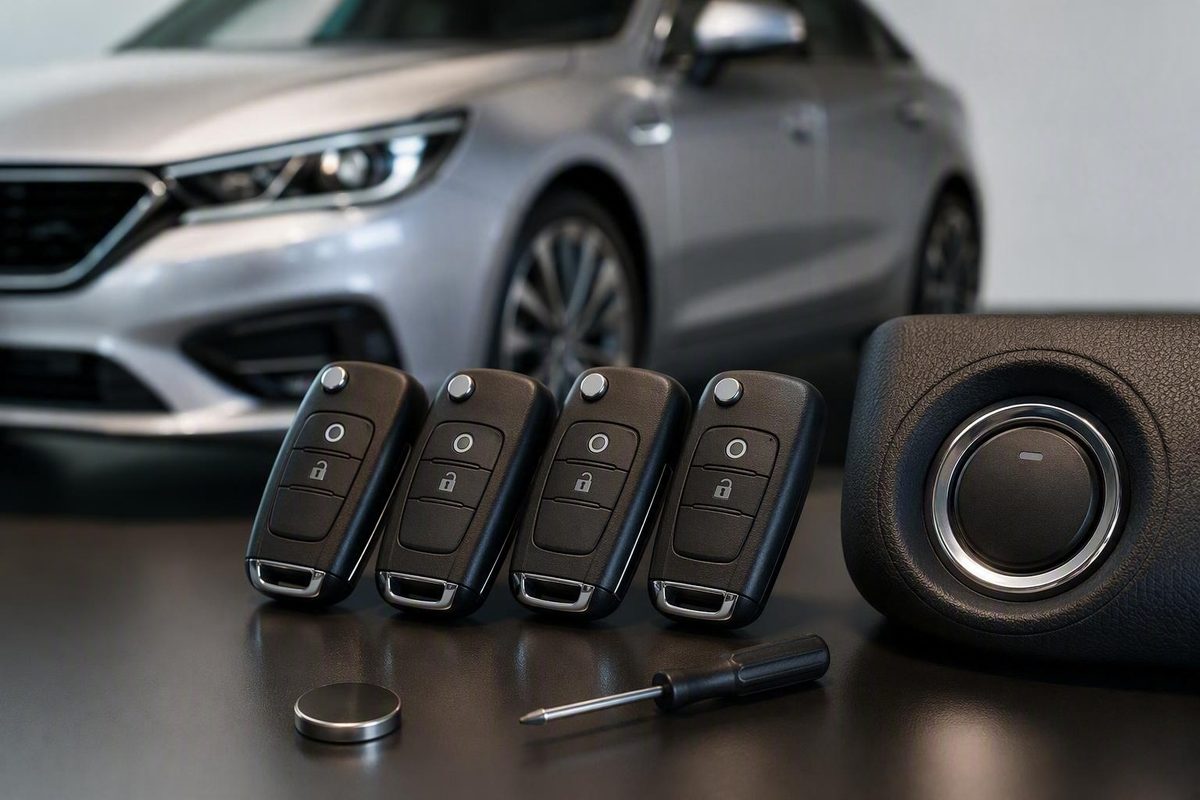
Match the procedure to your exact vehicle, verify fob electronics, gather every intended fob, and know when a locksmith or dealer is required.
Some vehicles have a documented onboard process for adding a push-start key fob, but many smart and proximity fobs require professional diagnostic equipment. There is no safe universal sequence. Identify the exact vehicle and task, verify the replacement fob’s electronics, and use the owner’s manual or applicable manufacturer instructions to decide whether DIY programming is supported.
The short answer: start with your exact vehicle, not a generic sequence
Treat owner programming as an option only when an authoritative procedure matches your vehicle’s year, make, model, trim, market, security system, and fob type. Otherwise, use an automotive locksmith or dealership with the necessary diagnostic and security access. Programming requirements can differ even between trim levels from the same model year, according to KeyMe’s overview of key-fob programming.
A procedure for a conventional remote-head key may not apply to a proximity fob used with push-button start. Do not try an ignition-cycle, door-lock, or button-press sequence merely because it worked on another vehicle.
Start with the owner’s manual or current manufacturer instructions for the exact vehicle and market. Look under:
- Keys
- Smart key
- Intelligent access
- Keyless access
- Remote control
- Transmitter programming
- Key learning or replacement
If those instructions do not provide an onboard process, a generic online sequence is not a safe substitute. Some relearn sessions rewrite the stored key list, potentially disabling a fob that is not presented during programming. Have every intended fob available and stop rather than risk the last working credential; AutoZone’s programming guide also cautions that some processes erase previously programmed fobs.
Use this decision table before attempting programming
Establish the vehicle’s year, make, model, trim, country or market, installed security system, and number of working fobs. Then define the job: adding a spare, replacing all lost keys, pairing remote buttons, authorizing push-button start, configuring remote start, or cutting an emergency blade.
| Situation | Likely path | Next action |
|---|---|---|
| Authoritative instructions support onboard learning and every prerequisite is met | Owner programming may be possible | Gather every intended fob and follow the exact documented procedure |
| No documented DIY process exists for the smart or proximity fob | Professional programming | Contact a capable automotive locksmith or dealership |
| No recognized fobs remain | All-keys-lost process | Check for a separate manufacturer procedure; otherwise arrange professional service |
| Buttons work but the engine will not start | Start authorization is incomplete or faulty | Investigate the immobilizer or transponder instead of repeating remote pairing |
| Emergency blade is uncut | Separate mechanical work | Have the blade cut for the vehicle |
Adding a spare is not the same as recovering from an all-keys-lost condition. Some onboard processes are available only when the manufacturer-required number of recognized fobs is present. Without those credentials, the vehicle may require a different security procedure or diagnostic programming.
Electronic programming also does not shape an emergency key. If the fob contains a removable blade, have it cut separately and test it in the applicable lock.
Verify the replacement fob before you begin
An identical-looking shell does not establish electronic compatibility. Match the identifiers and specifications required for the exact vehicle:
- Manufacturer part number
- FCC ID for US-market fobs, or the applicable regional radio-equipment identifier
- Radio frequency
- Transponder or chip type
- Security or encryption protocol
- Button layout and supported features
A mismatched frequency, chip, or protocol can prevent recognition. Used-fob reuse is also vehicle-dependent: a previously programmed fob may need to be reset or otherwise prepared, and some used fobs cannot be enrolled in a different vehicle.
Before starting:
- Install the specified fresh battery in the replacement fob.
- Make sure the vehicle’s battery is healthy enough to complete the session.
- Gather every existing and replacement fob you intend to retain.
- Record the vehicle identification number.
- Keep identification and proof of ownership available in case professional security programming is required.
If the seller cannot confirm compatibility using the relevant electronic identifiers—not merely the shell shape or button count—do not begin programming.
What a documented onboard-learning process generally involves
When a vehicle supports onboard learning, the process generally follows this bounded workflow:
- Meet the stated prerequisites, including the required recognized fobs.
- Enter the documented learning mode.
- Present the new fob in the specified location.
- Follow dashboard, lock, light, or chime prompts.
- Confirm that the credential has been accepted.
- Present any other fobs required for the final stored key list.
- Exit learning mode exactly as instructed.
- Test every old and new fob.
This is a workflow, not a universal programming sequence. Timing, waiting periods, button presses, door-cylinder actions, confirmation signals, and exit steps vary by vehicle.
Some push-start vehicles use a designated console pocket, cupholder, or backup-start position for close-range fob detection. The number of recognized credentials available can also determine which learning route the vehicle permits.
For example, a third-party Car Keys Express guide for certain GM push-button-start vehicles describes one route involving recognized transmitters, a driver-door-cylinder action, cupholder placement, and dashboard prompts. It describes another route when the specified recognized transmitters are unavailable, during which previously stored transmitters can stop working. The guide does not establish every applicable model year, trim, or market, so it must not be treated as a general GM procedure. Use it only if authoritative instructions confirm that it applies to the vehicle; see the Car Keys Express GM smart-key guide.
Remote pairing is not the same as authorization to start
A fob can unlock the doors yet fail to start the engine because remote operation and immobilizer authorization are separate functions.
The remote transmitter may control:
- Lock and unlock
- Trunk or liftgate release
- Panic alarm
- Remote start, where equipped
The vehicle may evaluate separate credentials or functions for:
- Passive entry
- Cabin fob detection
- Immobilizer authorization
- Push-button engine start
Working buttons show that the vehicle is receiving and accepting those remote commands. They do not prove that the immobilizer recognizes the fob as an authorized starting credential.
Remote-start configuration may require additional steps beyond basic button pairing. Emergency-blade cutting is separate again. If a verified-compatible fob operates the doors but cannot authorize starting—or a security warning remains active—seek professional diagnosis rather than repeatedly pairing the buttons.
Troubleshoot a failed programming attempt
Use the symptom to choose the next check instead of changing several variables or trying unrelated sequences.
| Symptom | What to check |
|---|---|
| No response from the vehicle | Exact procedure, timing, fob placement, battery condition, and nearby interference |
| Doors work, but the engine will not start | Transponder or immobilizer authorization |
| Replacement fob is rejected | Part number, regional identifier, frequency, chip, protocol, and used-fob eligibility |
| An old fob stops working | Whether the relearn replaced the stored key list |
| “Key not detected” appears intermittently | Fob battery, backup-start position, interference, fob condition, and vehicle receiver |
| Security warning persists or enrollment repeatedly fails | Key memory, sensors, immobilizer, software, receiver, or module faults |
If the vehicle gives no response, first verify that the procedure matches the exact model and market. Then check battery orientation, timing, required in-vehicle placement, and possible signal interference.
If an old fob stops working, do not continue experimenting when it may be the last recognized credential. Preserve the current state and arrange qualified help.
Repeated rejection of a verified-compatible fob may indicate a problem beyond the replacement itself, such as full key memory, a faulty receiver or antenna, an immobilizer error, a sensor problem, or a vehicle software or module fault.
Test every function before calling the job complete
Test each existing and replacement fob separately:
- [ ] Lock
- [ ] Unlock
- [ ] Trunk or liftgate release
- [ ] Panic button
- [ ] Passive entry
- [ ] Push-button start
- [ ] Remote start, where equipped
- [ ] Operation from a normal range
- [ ] Detection in the designated backup-start location
- [ ] Emergency mechanical key
Do not test only the new fob. A successful enrollment can still leave an old credential missing from memory.
Test the removable emergency blade in the applicable lock as well. If it is blank or uncut, electronic programming will not make it mechanically usable. If access features work but push-button start does not, the job remains incomplete.
When to use an automotive locksmith or dealership
Stop DIY attempts and contact a qualified automotive locksmith or dealership when:
- Manufacturer documentation does not support onboard learning
- No recognized fobs remain and no applicable owner procedure is documented
- The vehicle requires diagnostic-port programming
- A verified-compatible fob is repeatedly rejected
- A security or immobilizer warning persists
- Receiver, sensor, software, key-memory, or module faults require diagnosis
- Continuing could disable the last working credential
Professional programming may involve a diagnostic programmer connected through the vehicle’s diagnostic port, together with vehicle-specific software or security access. The provider may request the VIN, identification, and proof of ownership before performing security-related work.
Choose between a locksmith and dealership based on support for the exact vehicle, access to the required security systems, ability to cut the blade if necessary, and local availability.
Key Fob Zone publishes information about key-fob programming and troubleshooting.
The practical order is straightforward: identify the vehicle and task, verify the replacement fob, check authoritative instructions, gather every intended key, install fresh batteries, and follow only the confirmed procedure. Test every function afterward. If onboard learning is unsupported, all keys are lost, or start authorization fails, use a qualified automotive locksmith or dealership instead of trying generic sequences.
Do I need both working fobs to add a push-start key?
Not necessarily. The required number of recognized fobs is vehicle-specific. Some procedures require multiple recognized credentials before another can be added, while an insufficient number may trigger a different process or require professional programming.
For example, the limited third-party GM illustration discussed above specifies two recognized transmitters for one learning route. That does not establish the same requirement for other GM vehicles or other manufacturers. Check the authoritative instructions for your exact year, model, trim, and market.
Will changing the key-fob battery require reprogramming?
A battery replacement and enrollment of a new vehicle credential are different tasks. Some vehicles may require a vehicle-specific resynchronization step after a battery change, so follow the owner’s manual rather than attempting full key programming.
If the fob stops working after replacement, first confirm the battery type, orientation, contact fit, and condition. Key Fob Zone’s battery guidance likewise distinguishes possible resynchronization from full programming.
Can I program a used push-start key fob?
Sometimes, but transferability cannot be assumed. It depends on the vehicle, the fob electronics, the security protocol, and whether that credential can be reset or enrolled again.
Before buying a used fob, match its part number, regional radio identifier, frequency, chip, and market application. Confirm that the specific fob is eligible for reuse on your vehicle. If eligibility cannot be established, choose a verified-compatible new or properly prepared replacement.